 Back to Monster Orange

Everything up, in order.
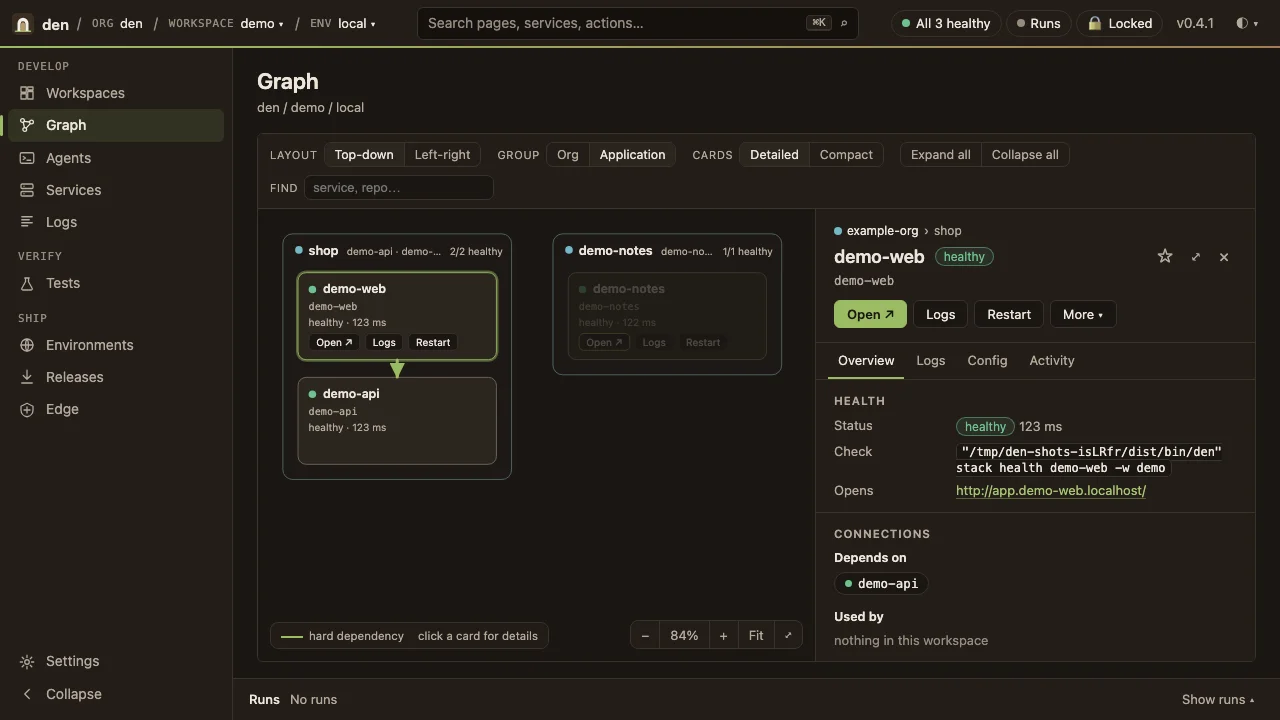
Each repo gets a manifest. Den starts them in dependency order, puts them behind one local HTTPS edge, and draws the whole thing as a graph.
Open source · MIT
 Den
Your whole stack, and every agent working on it, in one local place.
Get started
npx @monster-orange/den create <name>

Each repo gets a manifest. Den starts them in dependency order, puts them behind one local HTTPS edge, and draws the whole thing as a graph.
Health, logs, runs and routes in one web shell and one CLI. When something is down, Den says why and offers the fix.
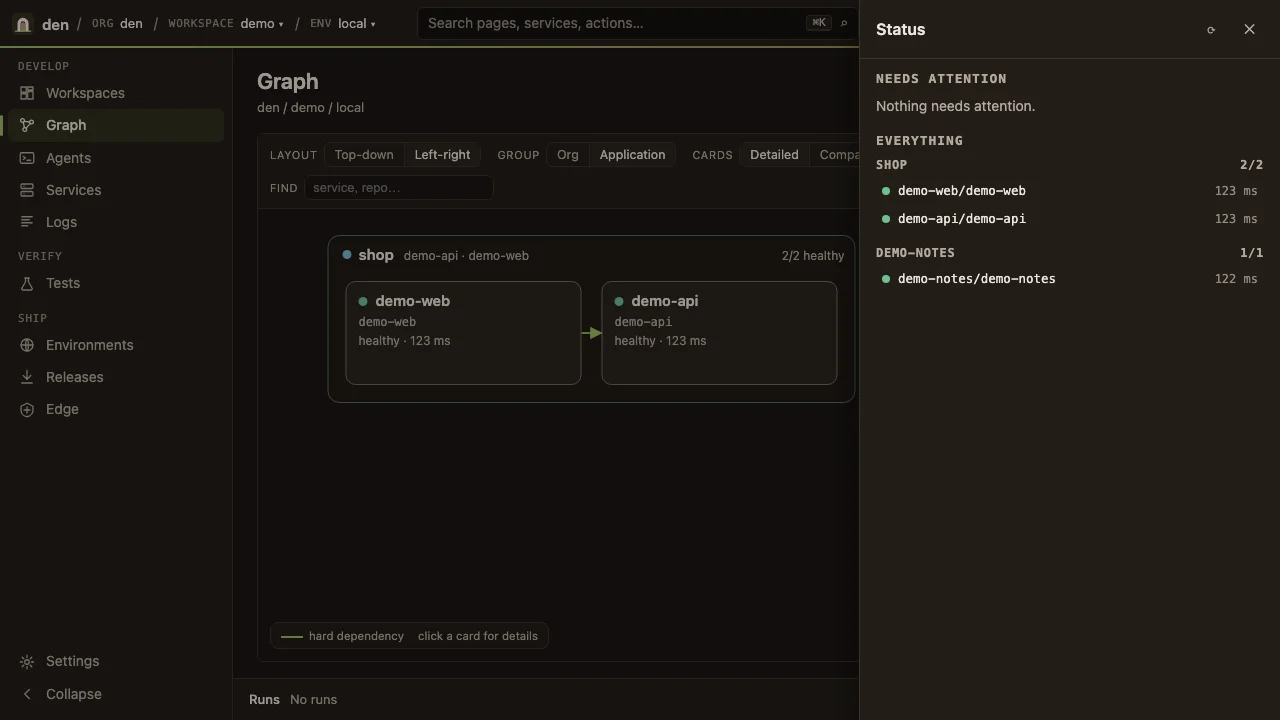
Focus on one workspace, check the status of the rest, and switch between them. Switching never stops what you're using.
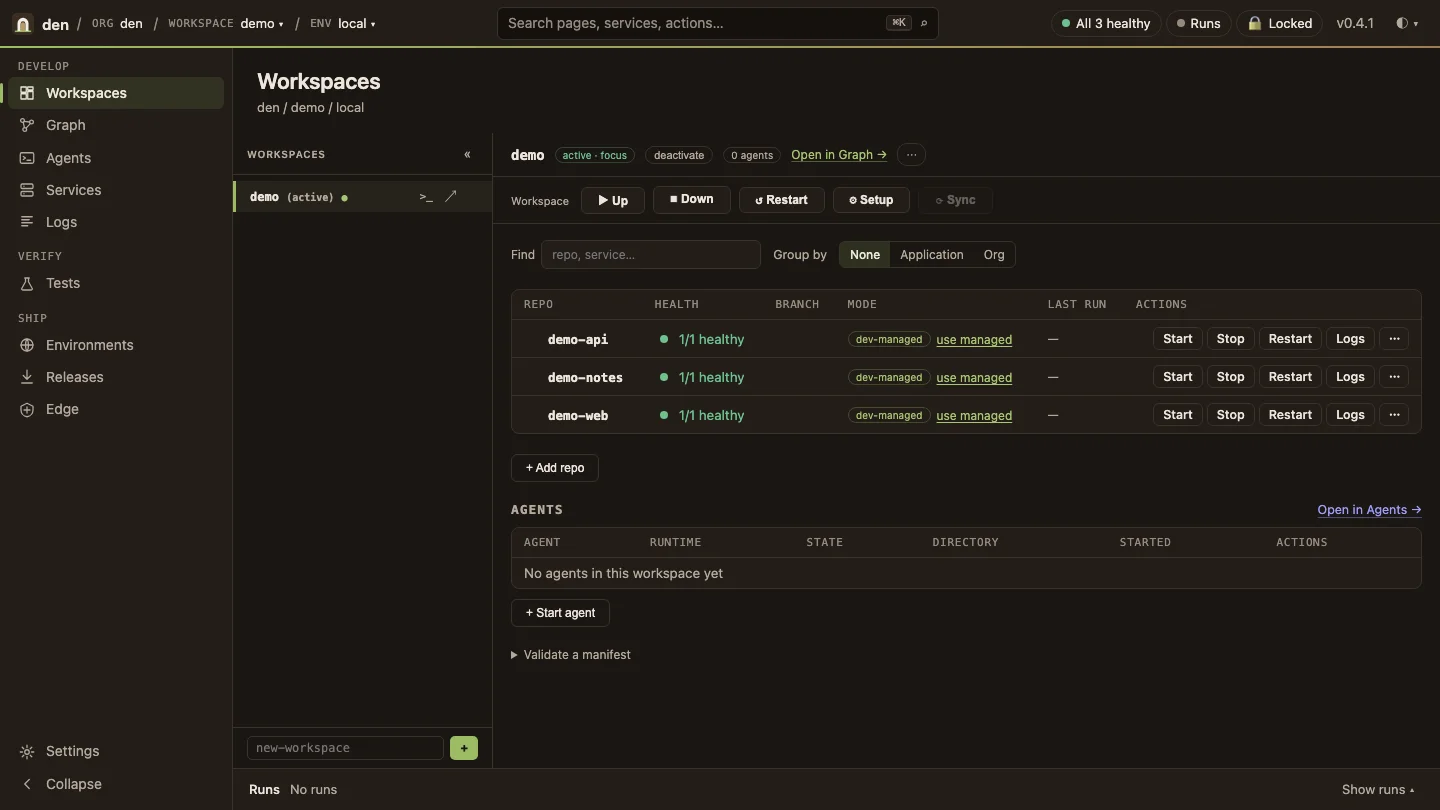
Start and resume agent sessions in the browser or the terminal, with personas and roles. Claude, Codex, Gemini and more run through one runtime registry, under the same guards, audit trail and workspace boundary as a person.
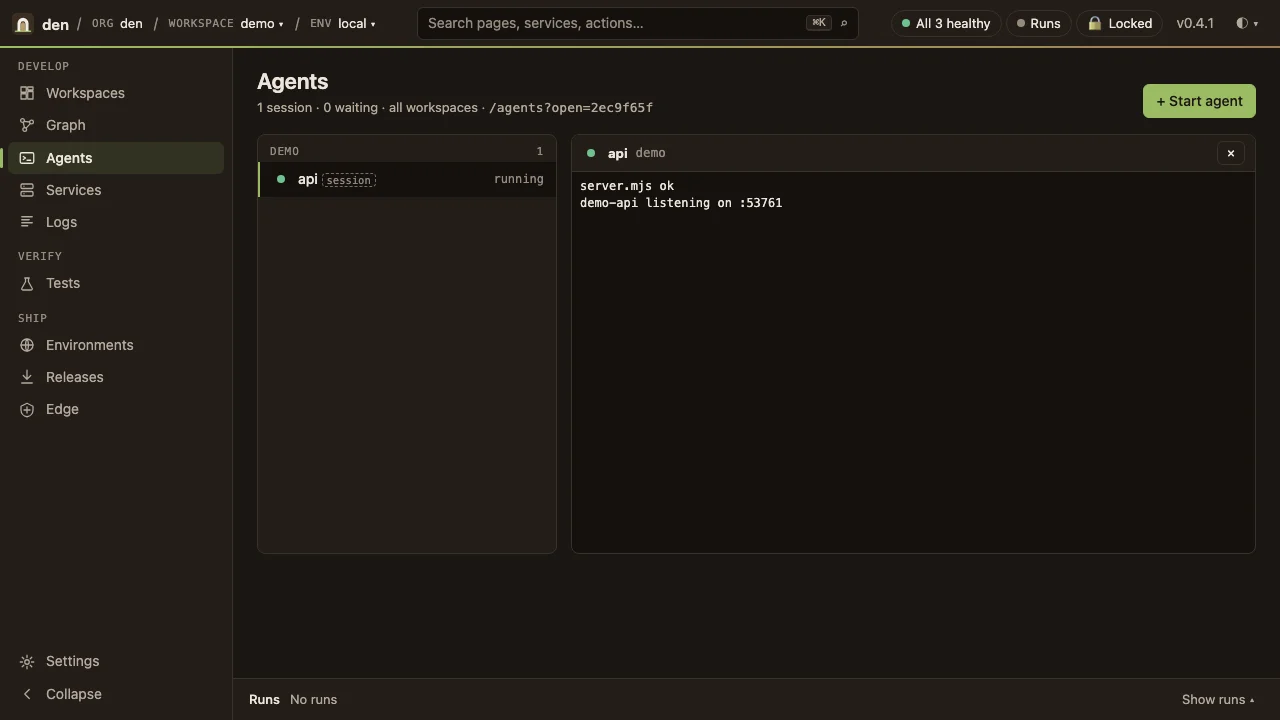
Den runs Monster Orange's own products every day, through Monster Orange's own distribution of it.
 Narai
 Wayfinder
 Arbor
More than 50 years of building software, distilled into one way of working with agents.
Ward Vuillemot wrote his first programs as a kid, in assembly language. Since then he's been the CTO who designed how whole engineering teams build, test and ship, and, in the last few years, a founding engineer and CTO at companies built around AI agents.
Den is what he learned, made usable. It's how Monster Orange runs every day: our own products (Narai, Wayfinder and Arbor), our client work and Den itself are all built inside it. Our own copy has a name: Lair.
We're sharing it because the best work now happens side by side: seasoned engineers next to people who've never opened a terminal, each with agents that play by the same rules they do. Den is where that happens.
Den Hub · premium, for teams Coming soon
Den HubOne place where your team's specs, designs, decisions and agents meet, wherever the work actually lives.

Hub links your issues, PRDs, ADRs, HLDs, LLDs and designs where they already live (GitHub, Linear, your repos, your buckets), and you can ask questions across all of it.

Like AI artifacts, but not tied to one vendor or one account. Publish from Claude, Codex or Gemini, then comment, compare versions, and send a thread back to an agent.

Every brand on one core, parity checks on each release, and drift shown per project.

The team's personas, roles and permission intent, on every member's Den.
| Den | Den Hub | |
|---|---|---|
| Price | Free, MIT | Premium, for teams |
| Runs | On your machine | Hosted by Monster Orange |
| Account | None | GitHub sign-in |
| Contents | Workspaces, services, agents, MCP | Shared map, artifacts, design system, personas, team threads |
Hub is optional. Den never needs it.
Yes. Den is MIT-licensed and on npm. There's no paid tier of Den itself; Den Hub is a separate product for teams.
No. Den runs entirely on your machine with no account. Hub is optional and adds team features on top.
Claude, Codex, Gemini and more, through one runtime registry. Each runs under the same guards, audit trail and workspace boundary as a person.
Not by Den. It has no telemetry and nothing phones home. Your agents talk to their own vendors, as they would without Den.
Not yet. Tell us if you need it.